DDJ-FLX4: connection and audio troubleshooting
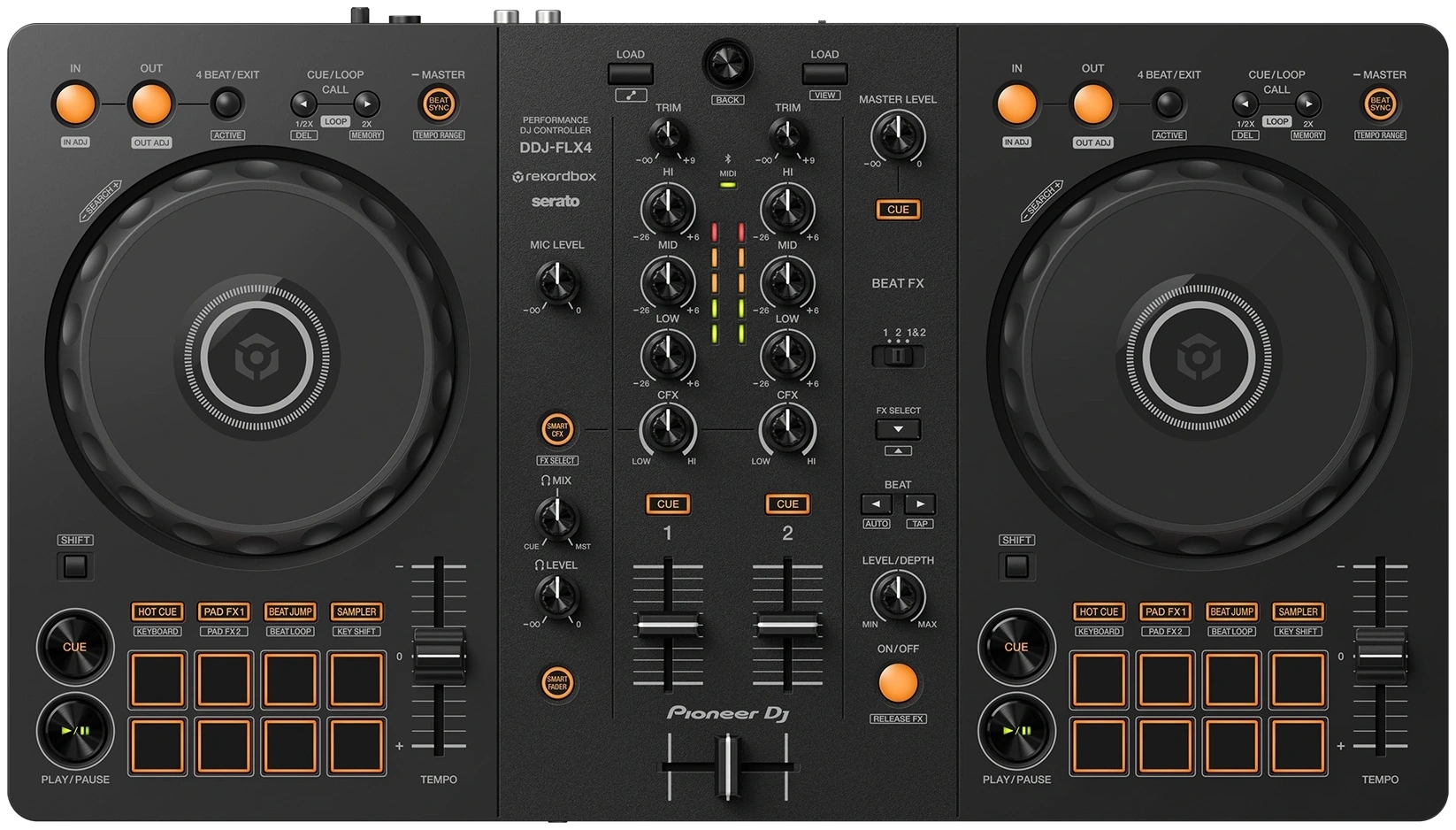
Model: DDJ-FLX4
- Use the computer USB port, not the power-only socket, with a data-capable cable. Illuminated controls do not prove communication.
- Connect rear MASTER RCA L/R to powered-speaker or suitable amplifier LINE inputs; USB is not a generic speaker audio output.
- If software meters move, check the FLX4 audio device, channel fader, master level and speaker input at low volume.
- Use the controller headphone socket, target channel CUE, cue/master blend and headphone level; the computer headphone socket is a separate route.
- Do not treat the microphone socket as a stereo LINE input for a CDJ; this is not an external-line-input mixer.
Explore specific symptoms
- Headphones work, speakers are silent
- Controller lights up but controls do not respond
- Connection fails through a USB hub or adapter
- Cannot preview the next track with CUE
Official source and scope
DDJ-FLX4 — manufacturer documentation
Documentation reviewed 2026-10-18. Settings vary by OS, software and driver release. Hardware outcomes are unverified.
Read validation scopeReviewed ports for this model
- Output
- RCA L/R (two channels) · MASTER / MAIN OUT L/R
- Input
- No reviewed analog path in this dataset; this does not prove the device lacks the port.
This table describes representative paths registered for the stereo analog guide, not all ports, USB/digital functions or OS compatibility.