DDJ-1000: connection and audio troubleshooting
Model: DDJ-1000
- DDJ-1000 and DDJ-1000SRT are different products; verify the complete model and supported software.
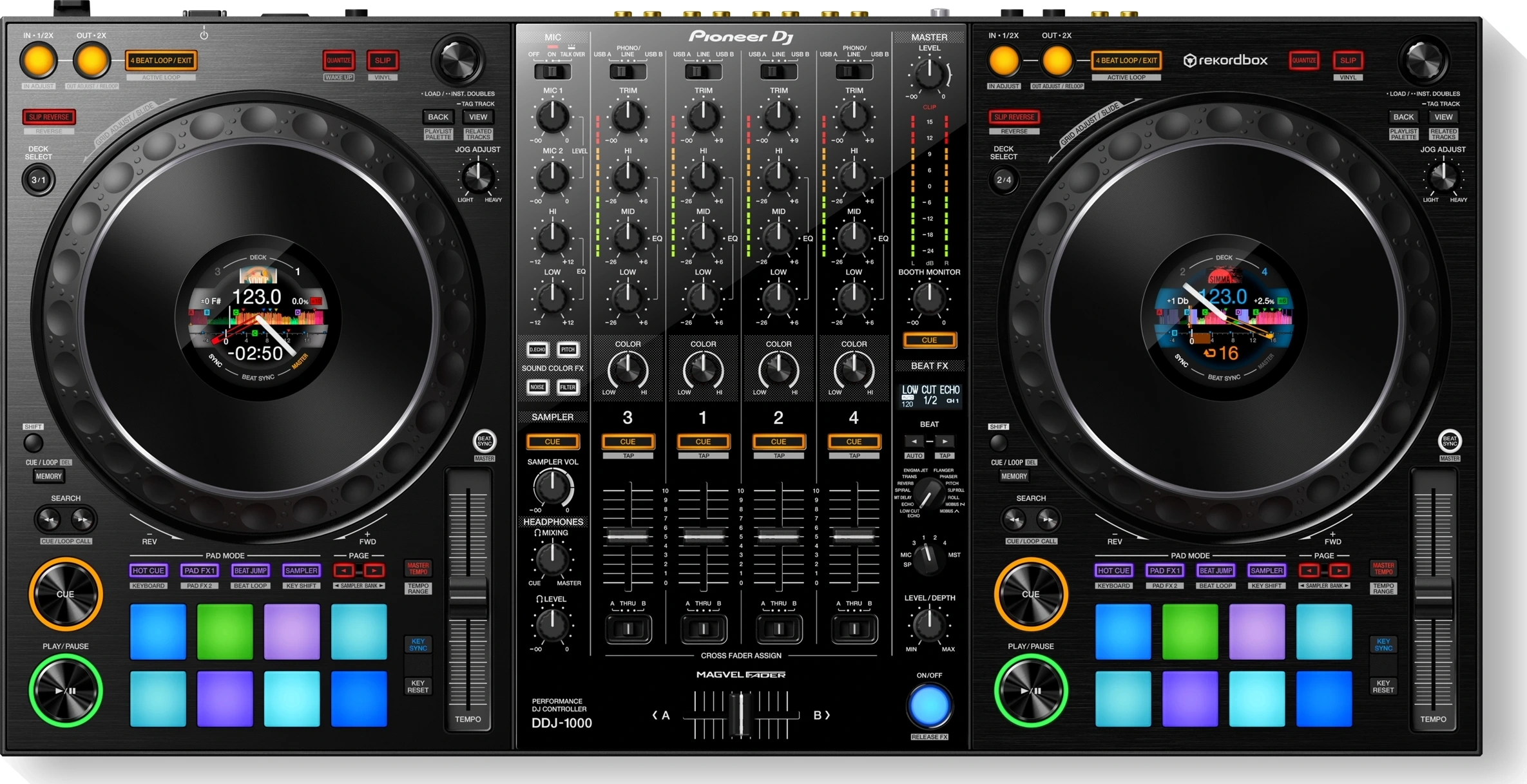
- Identify connected USB A/B and match channel input selectors; for external CDJs select the connected LINE input.
- MASTER 1 XLR and MASTER 2 RCA are outputs for speaker LINE inputs, not mixer LINE/PHONO inputs on the same unit.
- Play decks A and B separately and note responding channels; inspect deck output assignment separately from hardware selectors.
- Check the model driver and OS support in official documentation; do not substitute SRT or another model's ASIO settings.
Explore specific symptoms
- Decks appear on the wrong mixer channels
- Controller lights up but controls do not respond
- Recording level too low or clipping
Official source and scope
DDJ-1000 — manufacturer documentation
Documentation reviewed 2026-10-18. Settings vary by OS, software and driver release. Hardware outcomes are unverified.
Read validation scopeReviewed ports for this model
- Output
- RCA L/R (two channels) · MASTER 2 L/R
- Input
- RCA L/R (two channels) · CH1 LINE L/R
For PHONO use, match the input selector and turntable output level. Do not feed a LINE source into PHONO.
This table describes representative paths registered for the stereo analog guide, not all ports, USB/digital functions or OS compatibility.